

6 Ways Cold Weather Damages Industrial Electronics
Ever walk into an unheated Midwest plant on a January morning, flip a panel on, and immediately wish you had not?
If you keep facilities running through freeze, thaw, washdown, and wind-driven snow in Indiana, Illinois, or Kentucky, you already know cold weather breaks electronics in predictable ways.
Moisture shows up where it should not. Batteries sag. HMIs slow down. Grease turns to paste. Terminals loosen. Static finds a path to ground through your control gear.
This guide walks you through the six failure modes that show up most often in industrial and manufacturing environments, plus the field-proven prevention steps that actually hold up on Midwest job sites.
Key Takeaways
Condensation is the fastest way to corrode boards and create shorts. Control the cabinet climate with a heater plus humidity control, and give equipment time to acclimate before powering on.
Battery performance drops hard in the cold. Charging lithium batteries below 32°F can permanently damage them. Warm the battery zone and use a temperature-aware charger or BMS cutoff.
For HMIs in unheated areas, spec matters. Pick panels rated for the cold, protect the front glass from rapid temperature swings, and plan for gloves, moisture, and cleaning.
Winter grease problems are usually a spec problem. Match grease consistency and low-temperature performance to your actual startup temperatures, not your normal running temperatures.
Thermal contraction loosens terminals and raises arcing risk. Torque to spec with a real torque tool, use vibration-resistant connection methods, and trend hotspots with infrared inspections.
Dry winter air increases ESD risk. Ground people and equipment, control charge generators, and use ionization where handling or transfer points create static buildup.
Condensation is not just a nuisance. It is a silent shutdown waiting to happen. Cold surfaces inside a cabinet pull moisture out of the air, then that moisture turns into corrosion, leakage paths, and surprise shorts.
How Condensation Builds Up and Destroys Industrial Electronics

Even “sealed” enclosures can sweat because you trap moist air during install, then it cycles through warmups and cool-downs all winter long.
Circuit Board Corrosion and Short Circuits
Once moisture lands on a board, you get two problems at the same time: conductive contamination that causes faults now, and corrosion that causes failures later.
The painful part is the “later” failures. They show up as intermittent downtime that looks like a bad drive, a flaky sensor, or a “software” problem.
You chase ghosts for weeks before someone finally opens the enclosure and sees the green crust on the terminals.
Stop the moisture source. Inspect door gaskets, gland plates, and conduit entries. Fix gaps before you add more heat.
Stop the moisture cycle. Keep the cabinet temperature stable so surfaces do not cross the dew point during night shifts and weekend setbacks.
Protect what matters most. If you are stuck with a damp environment, consider boards that are conformal-coated to an IPC-CC-830 type coating spec. Brief moisture exposure is less likely to become a short.
Give water a way out. Add a cabinet drain or drain-and-breather at the lowest point so condensate does not pool on the bottom plate.
If you control cabinet climate, you control corrosion. It is almost always cheaper than troubleshooting “random” faults all winter.
Warm Air Meeting Cold Surfaces Inside Enclosures

This is the classic Midwest scenario: the plant is warm enough for people, but the outside wall is cold, steel is colder, and your enclosure becomes a little weather system of its own.
Warm, humid air sneaks in through tiny leaks, hits cold metal, and turns into beads on terminals and PCB edges.
Equipment manufacturers note that 65% relative humidity is a common danger zone where condensation becomes likely, and even NEMA 4X or IP65-class boxes are not airtight, so you still need moisture management inside the cabinet.
| Condensation Driver | Field Fix | Why It Works |
|---|---|---|
| Cabinet “breathes” with temperature swings | Add a drain-and-breather at the lowest point | Reduces pressure cycling and gives condensate a controlled exit |
| Moisture around cable entries | Use correctly sized glands, tighten to spec, add drip loops | Stops water tracking along jacketed cable into the cabinet |
| Cold backplate, warm front area | Add a small circulation fan with a heater | Reduces cold spots where water forms first |
Why Gradual Acclimatization Matters
If you drag a cold spare drive or HMI out of a truck and power it up inside a warm plant, you can create instant condensation on the coldest components.
Instead, stage critical spares in an intermediate area and let them warm up before energizing, especially if the gear sat below freezing overnight.
Bring it inside, leave it off. Let the enclosure and internal metal mass come up in temperature first.
Open only when ready. Opening a cold cabinet in warm, humid air can spike internal moisture.
Power on after stabilization. Once temperatures settle, heaters and fans can maintain the cabinet above the dew point.
Why Industrial Batteries Fail in Cold Weather
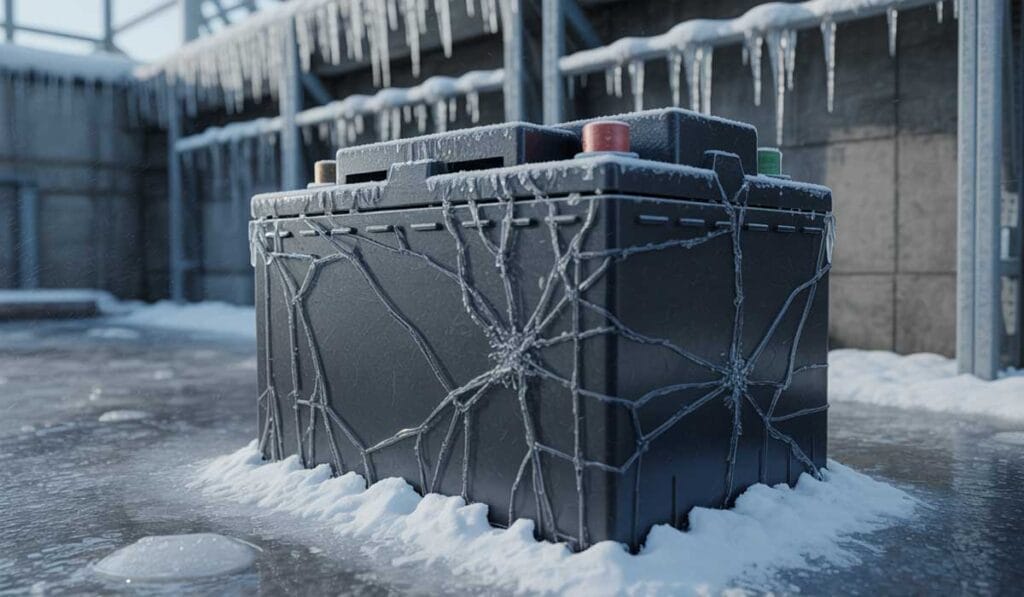
Cold weather slows battery chemistry and raises internal resistance. That means less usable runtime, more voltage sag under load, and longer recharge times.
For contractors working in the Midwest, the real problem is that a UPS, RTU, or backup supply looks “fine” on paper, then collapses when the facility needs it most.
Discharge Rates and Efficiency Loss
Low temperatures cut usable discharge performance and make voltage drop show up sooner, especially on high-demand starts. Lead-acid battery capacity drops about 20% to 25% at 32°F, and down to about 50% at 0°F. Electrolyte freezing risk rises as the battery discharges, with a battery around 50% discharged freezing around -13°F.
A big winter mistake is cold-charging lithium. Charging lithium batteries below 32°F can cause lithium plating that permanently reduces capacity. The optimal charging range for many lithium packs is about 41°F to 113°F.
Put the battery where you can control temperature. Move it off exterior walls, away from intake louvers, and into a warmed enclosure when possible.
Use a temperature-aware charging strategy. Set chargers and BMS rules to block charging below freezing, or select battery models with built-in heaters if cold charging is unavoidable.
Trend runtime, not just voltage. A battery can read “okay” at rest and still fail under load.
UPS and Backup System Reliability
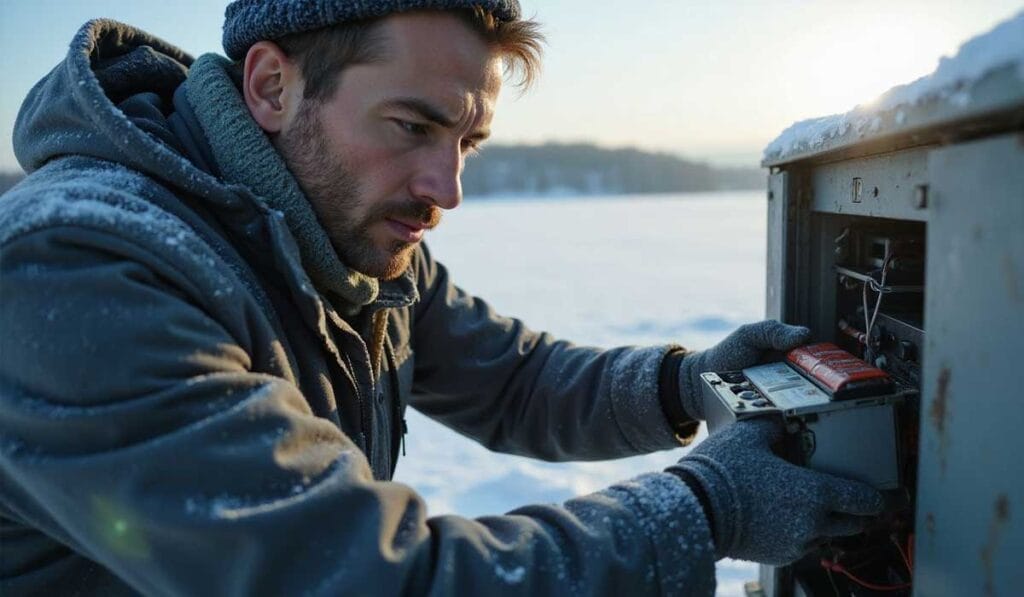
UPS runtime problems in winter usually come down to temperature, age, and lack of testing. Make winter load tests part of the plan, because a cold snap is a terrible time to discover your “10-minute” UPS is now a “2-minute” UPS.
| Symptom | Likely Cold-Weather Cause | Fastest Fix |
|---|---|---|
| UPS drops load quickly during an outage | Cold-reduced capacity and higher internal resistance | Warm the battery zone, then re-test under load |
| Battery alarms after a cold weekend | Slow recharge and imbalance across strings | Verify charger settings, check connections, confirm battery temp |
| Repeated low-voltage faults at startup | Cold batteries plus high inrush loads | Stage startups, reduce inrush, or increase capacity with cold-rated cells |
Replacement Cycles and Cold-Rated Alternatives

Cold does not just reduce performance. It shortens service life when it drives deeper discharges and harder recharges.
If you support remote sites, outdoor skids, or unheated mezzanines in Indiana, Kentucky, or southern Illinois, that data changes how you size and place battery strings. Plan for the coldest week of the year, not the average.
Cracked Displays, Frozen Screens, and HMI Panel Failures
Operators notice HMI problems first, which is why frozen screens feel like an emergency even when the PLC is still running fine behind them.
Cold also makes plastics, adhesives, and bezel seals less forgiving. One bump or one quick temperature swing can turn into a cracked display.
LCD Ghosting and Slow Response
LCDs slow down in the cold, and ghosting is a common early sign. If the panel is also fighting condensation, you can get flicker, touch issues, and intermittent reboots.
Here is the spec detail that saves downtime: standard indoor HMI panels often have an operating temperature floor of 32°F (0°C), while outdoor-rated models can go down to -22°F (-30°C) or lower. If your ambient can hit below freezing, treat “standard” indoor panels as a risk.
If your ambient can hit below 32°F: Select an HMI with a published low-temperature rating that matches the location.
If the HMI sits on an exterior wall: Add insulation behind the cutout and consider a small enclosure heater so the panel is not the coldest surface in the area.
If cleaning and spray are part of the process: Match the enclosure rating to the job. Many plants run NEMA 12 indoors, but washdown and outdoor exposures often push you to NEMA 4X.
Touchscreen Issues in Unheated Areas
In the Midwest, “unheated” often also means “gloves.” That matters for touchscreen choice and for the day-to-day frustration level of operators.
If a station requires gloved operation, resistive touch technology can be easier to live with in cold conditions because it responds to pressure rather than skin conductivity. If you need multi-touch gestures, confirm the HMI supports glove mode, wet mode, or specific approved glove types.
| Install Location | What to Spec for Winter | What to Avoid |
|---|---|---|
| Unheated dock doors, sheds, outdoor skids | Outdoor-rated temp range, condensation control, front-face rating matched to exposure | Panels that only publish 32°F minimum |
| Heated plant, cold exterior wall | Insulated back side, stable cabinet climate, gasket inspection plan | Powering up a cold spare HMI immediately after pulling it from a truck |
| Washdown or corrosive areas | NEMA 4X front rating, corrosion-resistant hardware, drain strategy | Top-entry cables with no drip loop |
Thickened Lubricants and Mechanical Friction in Cold Equipment
When grease thickens, motors pull harder, bearings run dry at startup, and small fans struggle. That friction turns into heat, wear, and early failure.
The fix starts with grease selection, then you back it up with a winter startup routine.
Many operators switch from an NLGI 2 grease to an NLGI 1 grease for winter because it pumps and flows more easily at low temperatures. This helps lubrication systems deliver grease during cold starts instead of starving the longest runs and smallest lines.
Audit your lube points by startup temperature. If a gearbox starts at 10°F, spec for that, not for the normal running temperature.
Check centralized lube systems first. Cold grease can starve the longest runs and smallest lines.
Ask for low-temperature performance data. Look for low-temperature torque, mobility, and flow pressure testing, not just a generic “all-season” label.
Warmup is a maintenance tool. Short no-load run time can move lubricant before you apply full load, if your process allows it.
Thermal Contraction and Loose Connections in Industrial Systems

Metal shrinks in the cold. After enough thermal cycles, that movement shows up as loosened terminals, higher resistance, and hot spots that lead to arcing.
If you build, service, or troubleshoot industrial panels, winter is the season to get serious about torque and inspection habits.
How Expansion and Contraction Cycles Degrade Connections
Thermal cycling does two things at once: it loosens some mechanical joints, and it accelerates oxidation where micro-movement is present.
The NEC includes specific torque requirements for certain control-circuit terminals. For example, NEC 430.9(C) requires certain screw terminals used with 14 AWG or smaller copper conductors to be torqued to a minimum of 7 lb-in unless the equipment is identified for a different value.
Separate NEC guidance also requires using manufacturer-provided torque values and an approved means to achieve them.
Torque to spec with a real torque tool. Do not “feel-tight” winter-critical terminations.
Use ferrules where required and where vibration is common. It helps stranded conductors maintain a clean, repeatable termination.
Consider spring-pressure terminations on vibration-prone gear. Spring connection systems from manufacturers like WAGO and Phoenix Contact are designed to be vibration-resistant and maintain defined contact force through thermal cycles.
Arcing Risk at Loosened Terminals
Loose terminals are a winter multiplier. Cold starts push higher currents, resistance rises at poor connections, and heat cycles the joint even more.
If you only add one winter PM task, add torque verification plus an infrared scan. It catches “about to fail” connections before they become downtime.
The 2023 edition of NFPA 70B requires a documented electrical maintenance program with inspections at least every 12 months, and more frequent thermography for degraded equipment.
For contractors, this is a practical planning tool because it supports budgeting for annual infrared scans and clear corrective action tracking.
Static Electricity: The Hidden Winter Hazard in Manufacturing
Cold air is often dry air, especially once makeup air is heated. Dry air makes charge build faster and bleed off slower.
That is why winter is prime time for nuisance faults, corrupted data, and sensitive I/O cards that die “for no reason.”
Why Cold Dry Air Generates Static Buildup
When humidity drops, many surfaces become better insulators. Friction from belts, packaging, tote bins, and even jackets can build charge that waits for a discharge path.
The worst spots are transfer points and handling points: where people touch parts, where product slides, and where plastic meets metal.
Equipment Damage, Data Loss, and Fire Risk
ESD does not need a dramatic spark to hurt electronics. A small discharge can corrupt memory, glitch a drive, or damage an input channel just enough that it becomes intermittent.
In manufacturing environments with flammable materials, dust, or solvents, static discharge can also be an ignition source. Winter’s dry air makes this risk worse, not better.
Grounding and Humidity Control Solutions
Humidity can help with comfort and nuisance shocks, but it is not a standalone control strategy. Industry standards like ANSI/ESD S20.20 do not rely on humidity control as a requirement, and instead focus on qualified ESD control items that work in low-humidity conditions.
Ground the process, not just the panel. Bond conveyors, stands, carts, and work surfaces, then verify continuity on a schedule.
Control charge generators. Reduce plastic-on-plastic contact where you can, and use dissipative materials where they make sense.
Add ionization at transfer points. This is where static is born and where neutralization pays off fastest.
Set handling rules for boards and drives. Wrist straps, grounded mats, and grounded storage reduce “mystery” failures.
Use cabinet climate control to reduce secondary risk. Stable cabinet temperature helps both condensation prevention and electronics stability.
How to Protect Industrial Electronics From Winter Damage
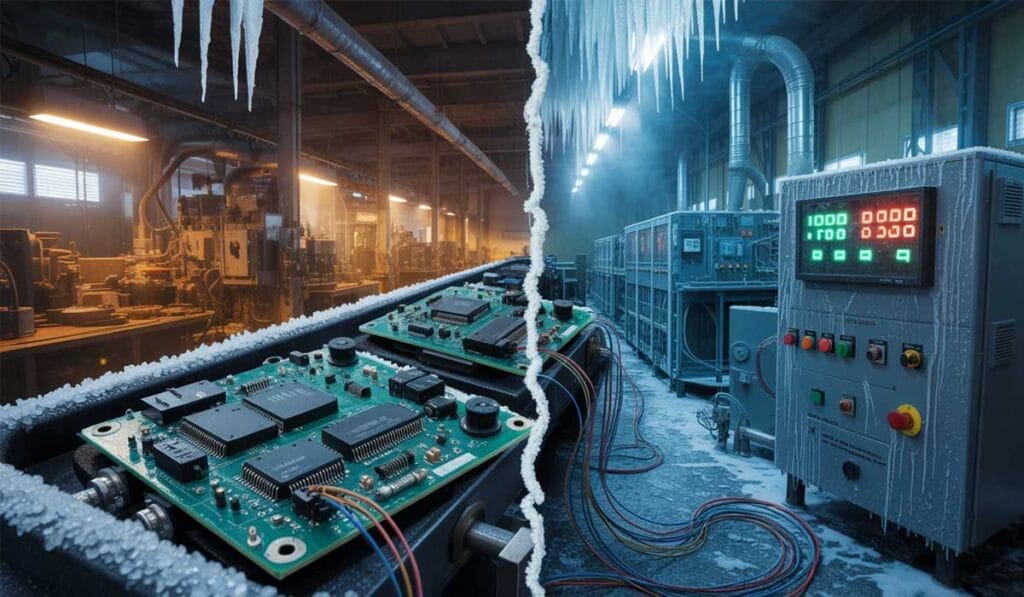
If you want fewer winter call-backs, build a repeatable winterization standard for your projects: enclosure selection, cabinet climate control, battery temperature management, and a maintenance checklist that actually gets used.
Here are the prevention moves that pay off fast on Midwest sites.
Cabinet Heaters and Insulated Enclosures
Cabinet heat is not about making things toasty. It is about staying above the dew point and keeping electronics inside their published operating range.
Pair a heater with a thermostat or hygrostat, then place the sensor where it represents the cabinet air, not a hot corner near the heater.
Use small, controlled heat. A modest heater with good control beats a large heater that overshoots and drives more cycling.
Insulate the coldest surfaces. Exterior-wall cabinets and outdoor pedestals benefit from insulation and reduced thermal bridging.
Plan airflow. Give heat a path across the cabinet so terminals and drives do not become cold sinks.
Sealing and Weatherproofing
Sealing is only “done” when it stays sealed after vibration, maintenance, and seasonal shrink and swell.
Build your punch list around the typical leak paths: doors, gland plates, conduit hubs, and cable entries.
Standardize gland parts. Mismatched glands and rushed installs are a top cause of winter moisture intrusion.
Use drip loops on bottom-entry cables. Simple, and it stops water tracking along the jacket.
Inspect gaskets on a calendar. Cold makes gasket issues show up fast, especially after washdown.
Low-Temperature Rated Components
Cold-rated components are not a luxury on exterior walls, docks, outdoor skids, and seasonal buildings.
Pick equipment by its published operating range, and keep the entire system honest: the screen, the power supply, the battery, and the cable jacket all have to survive the same conditions.
| Component | Winter Spec to Look For | Why It Matters |
|---|---|---|
| HMI panel | Published low-temp operating rating that matches location | Prevents slow response, blackouts, and cracked assemblies |
| UPS batteries | Temperature-managed enclosure and cold-charge protection | Prevents runtime collapse and charging damage |
| Cables and seals | Jackets and gaskets rated for cold flex and compression | Reduces cracking, leaks, and moisture migration |
| Fans and moving parts | Cold-start lubricant plan and verified rotation at low temp | Prevents stalled fans and overheating downstream |
Scheduled Cold Weather Maintenance Protocols
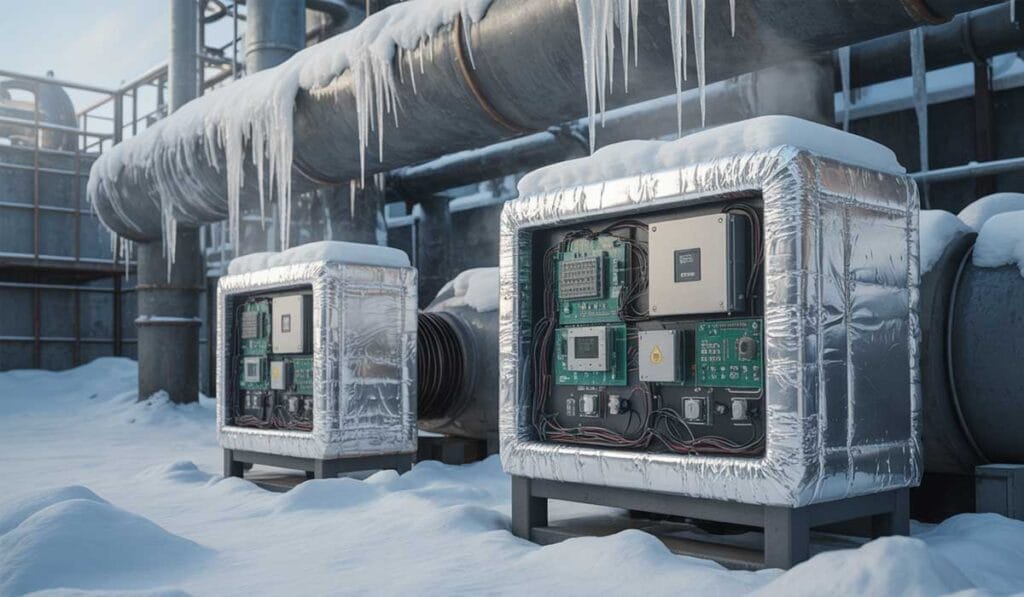
Winter reliability comes from small, consistent checks, not heroic troubleshooting after a shutdown.
Set the plan before the first freeze, then stick to it.
Monthly in winter-critical areas: Inspect and document gasket condition, cable entries, and any sign of moisture.
Verify heater operation: Confirm cabinet temperature stays stable through off-hours and weekends.
Torque-check critical terminations: Especially after major temperature swings.
Run battery load tests: Log runtime trends for each UPS string through cold season.
Perform infrared scans: Correct hot spots before they become failures.
Frequently Asked Questions
How much does it cost to add cabinet heating to an industrial enclosure? A basic cabinet heater with thermostat runs $150 to $400 for the unit, plus installation labor. For larger enclosures or outdoor installations, expect $500 to $1,200 total. Compare that to a single service call for a “mystery” drive fault caused by condensation, which can easily cost $1,000 or more in troubleshooting time and replacement parts. Cabinet heating pays for itself in prevented downtime.
Is it worth upgrading to cold-rated HMI panels? If your panels are in unheated areas that regularly drop below 32°F, yes. Standard panels fail in predictable ways in the cold: slow response, ghosting, cracked bezels, and condensation damage. Cold-rated panels cost 15% to 30% more upfront but eliminate a category of winter failures. For docks, outdoor skids, and unheated warehouses across Indiana, Illinois, and Kentucky, the upgrade makes sense.
What is the ROI on infrared scanning for industrial panels? A single prevented arc-flash incident or unplanned shutdown typically justifies years of annual infrared scans. Scan costs range from $200 to $800 per panel depending on size and complexity. The real value is catching loose connections before they fail, which avoids production losses that can run thousands of dollars per hour in manufacturing environments.
How long should I let cold equipment acclimate before powering on? Allow at least 2 to 4 hours for equipment that has been below freezing to stabilize at room temperature before energizing. For larger items like drives or HMI panels that sat overnight in a cold truck, 4 to 6 hours is safer. The goal is to let internal metal mass warm up so you do not create condensation on the coldest components when power is applied.
When should I schedule winter maintenance for industrial electronics? Start in early fall, ideally October in the Midwest. Inspect and test cabinet heaters, verify gasket condition, check battery performance under load, and perform infrared scans while you still have time to fix problems before the first hard freeze. Waiting until December means you are reacting to failures instead of preventing them.
What is the process for winterizing an outdoor control enclosure? Start with a physical inspection: check gaskets, glands, cable entries, and drain paths. Verify the heater works and the thermostat is set correctly. Confirm the temperature sensor is positioned to represent cabinet air, not a hot spot near the heater. Test any batteries under load. Document everything and schedule a mid-winter follow-up check in January or February.
What is the difference between NEMA 4 and NEMA 4X enclosures for cold weather? NEMA 4 provides protection against windblown dust, rain, splashing water, and hose-directed water. NEMA 4X adds corrosion resistance, which matters in environments with road salt, chemicals, or washdown with aggressive cleaners. For outdoor installations in the Midwest where salt spray is common, NEMA 4X is usually worth the upcharge.
Cabinet heater vs. heat trace: which is better for winter protection? Cabinet heaters warm the air inside an enclosure and are best for preventing condensation and keeping electronics within operating range. Heat trace is applied directly to pipes or surfaces and is best for freeze protection on specific components. Most industrial enclosures need a cabinet heater. Heat trace is an add-on for situations where a specific pipe run or valve body needs freeze protection inside or near the enclosure.
Resistive touchscreen vs. capacitive touchscreen in cold environments? Resistive touchscreens respond to pressure and work reliably with gloves, which makes them practical for cold environments where operators wear hand protection. Capacitive touchscreens offer better clarity and multi-touch capability but require direct skin contact or special gloves. For unheated docks and outdoor stations, resistive touch or capacitive panels with confirmed glove-mode support are the safer spec.
How do I know if condensation is causing my “random” electronics failures? Look for physical evidence: water marks, rust streaks on backplates, corrosion on terminals, or white residue on PCB edges. If failures cluster after warmups, temperature swings, or humid weather, condensation is a prime suspect. Check gaskets, glands, and cable entries for gaps. A hygrometer inside the cabinet can confirm if humidity is spiking above 65%.
Why does my UPS fail during winter outages even though it tests fine? Most quick battery tests check voltage at rest, not performance under load. Cold batteries have higher internal resistance and lower usable capacity, so they can read “okay” at rest and collapse when the load hits. Run a proper load test during cold weather and trend runtime over time. If runtime is dropping, the battery zone needs heating or the batteries need replacement.
What causes terminals to loosen in winter? Thermal contraction. Metal shrinks in the cold and expands when it warms up. After enough cycles, that movement loosens screw terminals that were tight in October. Loose connections raise resistance, generate heat, and create arcing risk. The fix is proper torque verification with a calibrated tool, plus infrared scans to catch hot spots before they fail.
What tools do I need for winter electronics troubleshooting? A good multimeter, a clamp-on ammeter, a non-contact voltage tester, and an infrared thermometer cover most basics. For more thorough work, add a thermal imaging camera (to find hot connections and cold spots without opening energized panels), a hygrometer (to measure cabinet humidity), and a battery load tester (to verify UPS runtime under real conditions).
How do I protect batteries in an unheated outdoor enclosure? Insulate the battery compartment and add a thermostatically controlled heater sized to keep the space above 40°F. Use a temperature-aware charger or BMS that blocks charging below freezing. For lithium batteries, this is critical because cold-charging causes permanent damage. For lead-acid, it prevents capacity loss and electrolyte freezing.
What is the right way to torque electrical connections? Use a calibrated torque screwdriver or torque wrench set to the manufacturer’s specified value. Do not guess or use “feel.” Torque specs vary by terminal type, conductor size, and manufacturer. Under-torqued connections loosen and overheat. Over-torqued connections damage terminals and conductors. Check critical connections after major temperature swings and document what you find.
What if my cabinet heater fails mid-winter? Replace it immediately. A failed heater means condensation will start forming on the next temperature swing. In the short term, verify the enclosure is sealed well and consider a temporary heat source if safe and practical. Do not wait until a fault occurs. Stock spare heaters for critical enclosures so replacement is same-day, not next-week.
Should I be concerned about static electricity in my manufacturing plant during winter? Yes, especially if you handle electronics, have flammable materials, or see nuisance faults on sensitive equipment when humidity drops. Dry winter air allows static to build faster and discharge through your equipment. Ground workstations, use wrist straps and grounded mats, add ionizers at transfer points, and bond carts and conveyors. ESD damage often looks like “random” failures until you connect the pattern to dry weather.
What should I do if I find moisture inside a control cabinet? Do not re-energize until you address it. Identify the moisture source: failed gasket, loose gland, cracked conduit entry, or condensation from temperature cycling. Dry the cabinet thoroughly with clean, dry air. Inspect boards and terminals for corrosion. Replace any components that show damage. Fix the entry point before closing up. Add or repair cabinet heating if condensation was the cause.
Keep Your Production Lines Running This Winter
Winter failures feel random, but they rarely are. Condensation, cold batteries, loose terminals, and static buildup follow predictable patterns. If you follow the same prevention playbook each year, you will stop most cold-weather electronics problems before they start.
Use cabinet heaters and humidity control to stop condensation.
Keep batteries warm and protected to preserve backup power.
Torque and inspect terminations to fight thermal contraction.
Match HMIs and components to the actual on-site temperatures, then back them up with insulation, climate control, and a maintenance plan that includes load testing and infrared checks.